
Latest Version
Brage Fuglseth
Education
Linux
Free
dev.bragefuglseth.Keypunch
Report a Problem
More About Keypunch
Picture this: you are racing against a tight deadline, but your fingers keep tripping over the keys, forcing you to constantly backspace and rewrite. In the modern workspace, slow typing is more than a minor annoyance—it is a bottleneck to your daily productivity. The Keypunch typing practice tool for Linux offers a streamlined, distraction-free environment designed to transform your keyboard skills from a frustrating hurdle into a seamless extension of your thoughts.
Why Keypunch Typing Practice Makes a Difference
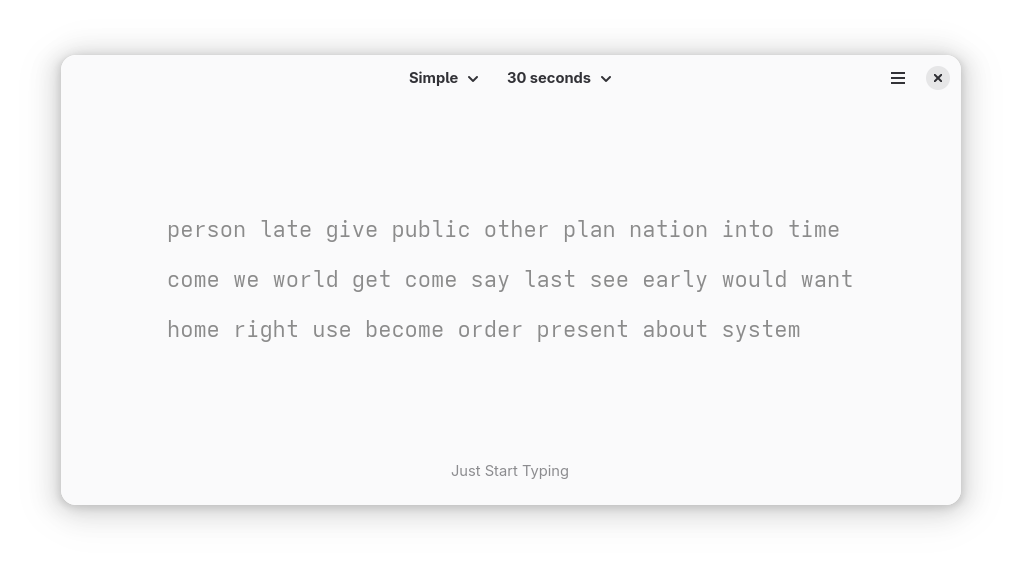
Developed by Brage Fuglseth, Keypunch is a dedicated educational application built specifically for the Linux platform. As a proud member of the GNOME Circle initiative, it adheres to high standards of design and integration, offering Linux users a polished and native experience. Rather than overwhelming you with bloated features, this utility focuses on what actually works: targeted, repetitive, and engaging training sessions.
Key Features of This Linux Typing Tutor
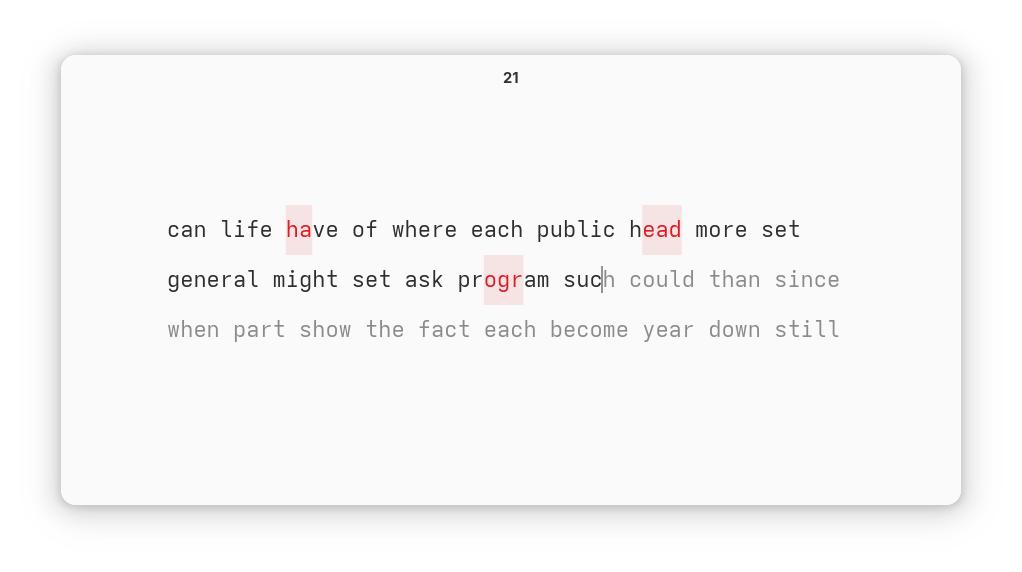
- Fast-Paced Training Sessions: Short, focused practice rounds keep you engaged without causing mental fatigue.
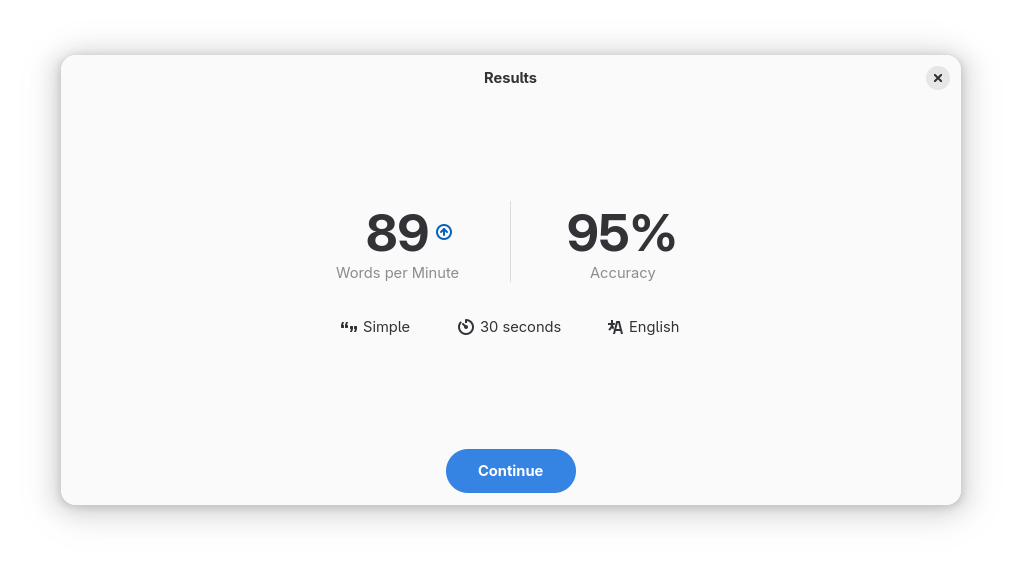
- Instant Performance Feedback: Receive immediate post-session metrics so you can pinpoint exactly where your accuracy or speed dropped.
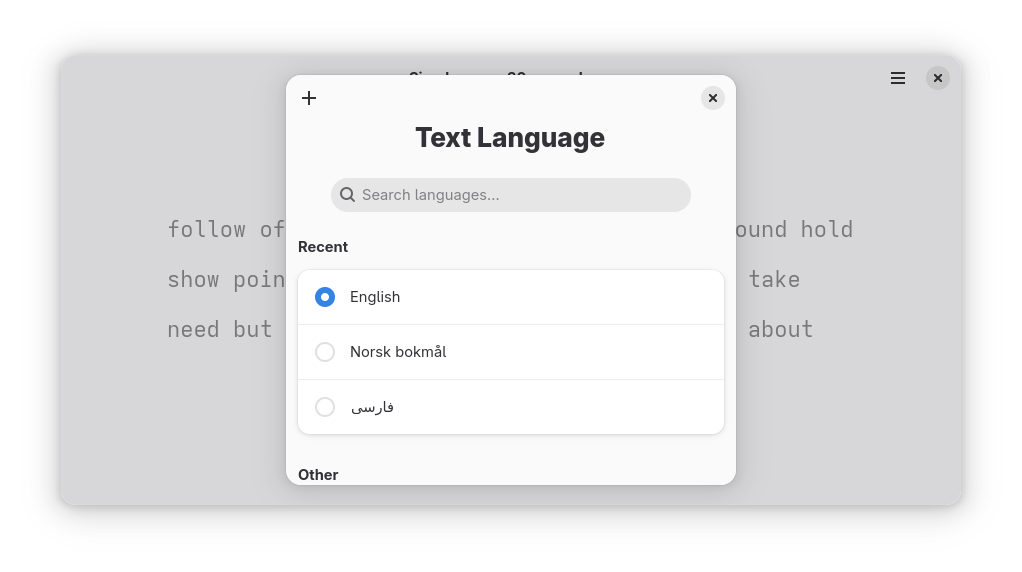
- Multilingual Support: Practice typing in a wide variety of languages to suit your personal or professional needs.
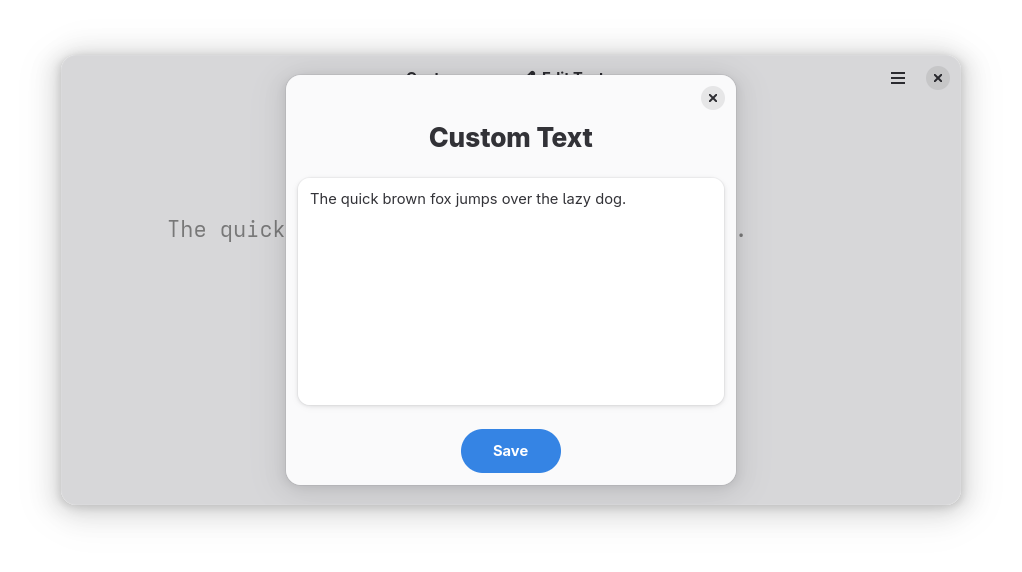
- Advanced Customization: If you are already comfortable with standard prose, challenge yourself by incorporating complex punctuation, numbers, or even your own custom text files.
Who is Keypunch For?
Whether you are a complete beginner trying to memorize the home row or an experienced professional looking to break past your current words-per-minute ceiling, this software scales to your level. Its clean, minimal interface ensures that your focus remains entirely on the screen, helping you build the muscle memory required for true touch-typing mastery.
Refine Your Skills Today
By dedicating just a few minutes a day to structured practice, you will notice a significant improvement in how quickly and accurately your ideas translate to the screen. To start your journey toward faster, more precise typing, head over to the official Flathub store page to explore and install Keypunch for your Linux system.
Rate the App
User Reviews














Popular Apps










Editor's Choice