
Latest Version
Streetwriters
Education
Linux
Free
com.notesnook.Notesnook
Report a Problem
More About Notesnook
When you open Notesnook secure note-taking for the first time, the immediate sensation is one of clean, uncluttered focus. Unlike traditional productivity tools that demand your data in exchange for organization, this utility prioritizes your privacy from the very first keystroke. Developed by Streetwriters for the Linux platform, it aims to deliver a seamless drafting experience without compromising your personal digital security.
Why Notesnook Secure Note-Taking Stands Out
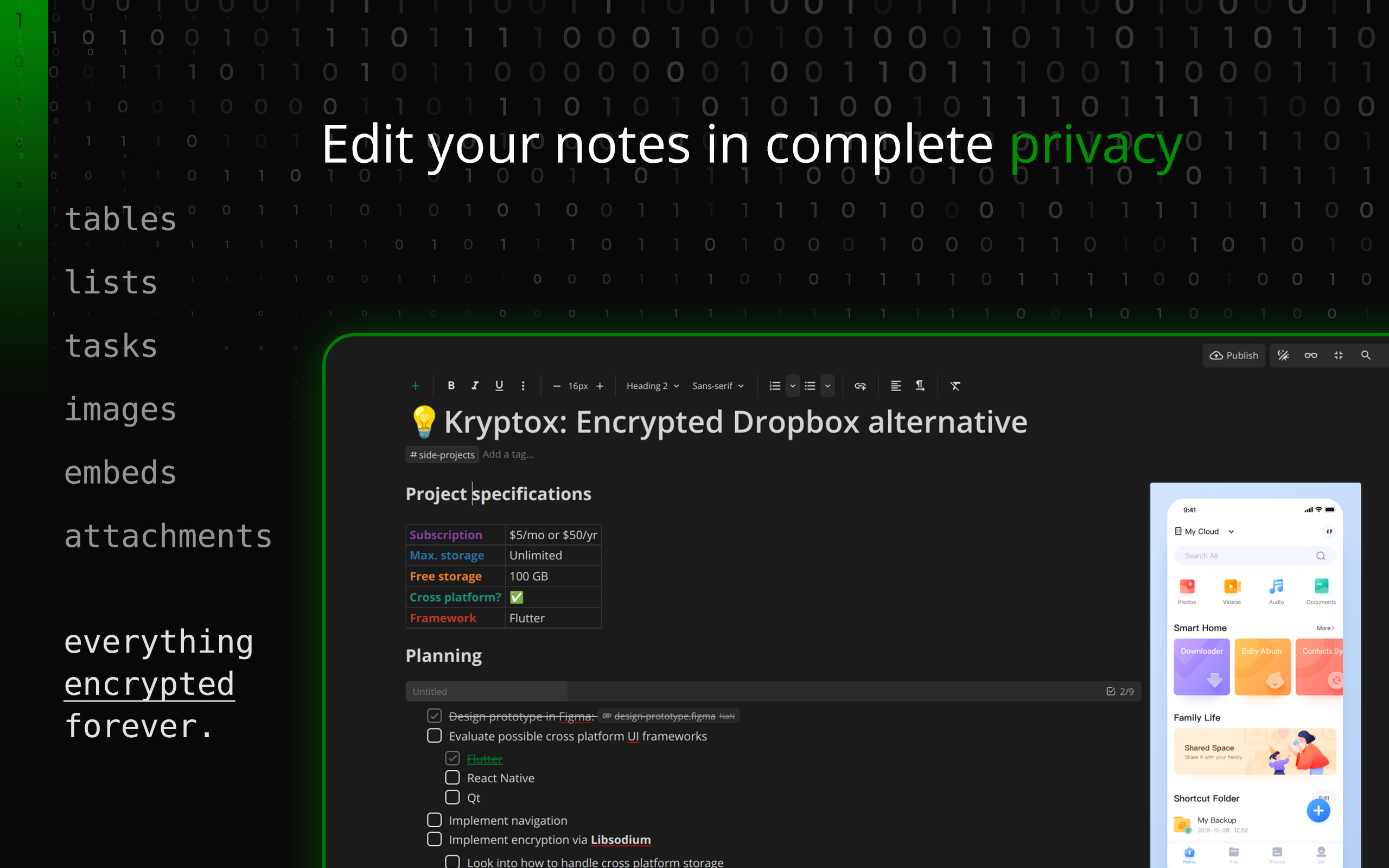
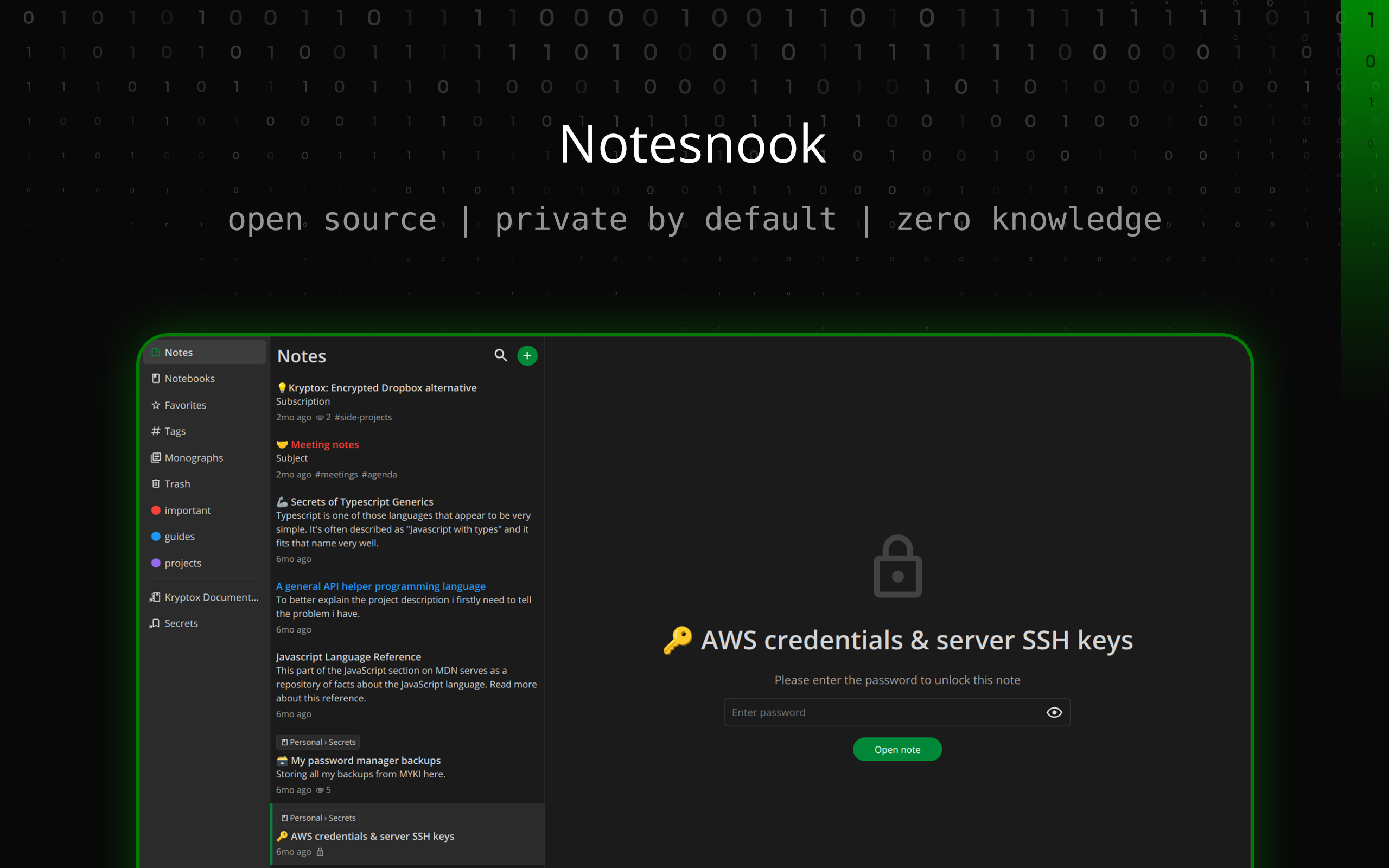
Many modern organizational tools store your files in plain text on their servers, leaving your private thoughts vulnerable to data breaches. The core philosophy behind Notesnook secure note-taking is absolute privacy through zero-knowledge principles. Before any text, list, or memo leaves your Linux device, it is fully encrypted, ensuring that no third party—not even the developers themselves—can read your content.
Advanced Cryptographic Protection
To achieve this high standard of confidentiality, the application employs robust, industry-standard cryptographic protocols directly on your local hardware:
- XChaCha20-Poly1305 Encryption: A highly secure symmetric key algorithm used to encrypt your notes locally.
- Argon2 Key Derivation: State-of-the-art password hashing that secures your master keys against brute-force attacks.
- Open Source Transparency: The entire codebase is open to public inspection, verifying that there are no hidden backdoors.
An Intuitive Interface for Daily Productivity
Security often comes at the expense of usability, but this application bridges the gap beautifully. The user interface is designed for quick navigation, making it easy to capture ideas on the fly, organize projects, and manage daily tasks. Whether you are a tech-savvy developer or someone who simply wants a hassle-free digital notebook, the layout feels familiar, responsive, and incredibly polished.
Who Is This App For?
- Privacy Advocates: Users who want to migrate away from invasive mainstream cloud services.
- Linux Professionals: Writers and developers seeking a native-feeling, secure environment for their documentation.
- Everyday Note-Takers: Anyone looking for a clean, reliable, and straightforward alternative to Evernote.
Secure Your Thoughts Today
If you are ready to take back control of your personal data without sacrificing modern organizational features, this privacy-first platform is an exceptional choice. To experience Notesnook secure note-taking firsthand, visit the official Flathub store page to get started with your new encrypted notebook.
Rate the App
User Reviews














Popular Apps










Editor's Choice