

Latest Version
Swiftify, Inc.
IT Tools
Mac
Free
1183412116
Report a Problem
More About Swiftify for Xcode
Why Swiftify for Xcode is a Game-Changer for Apple Developers
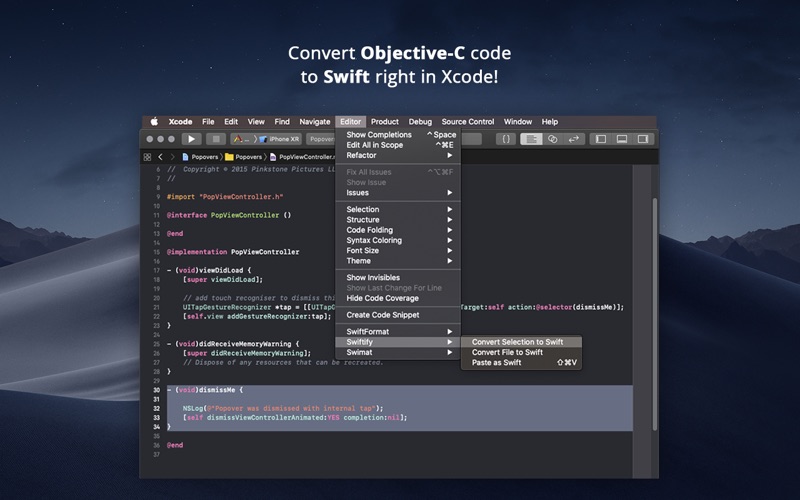
Migrating legacy codebases can be an absolute bottleneck for development teams. The standout feature of Swiftify for Xcode is its ability to perform instant, high-fidelity Objective-C to Swift code conversion directly within your active workspace. Rather than rewriting files from scratch, this utility embeds itself into your macOS environment to modernize your code in seconds.
An Integrated Code Conversion Workflow
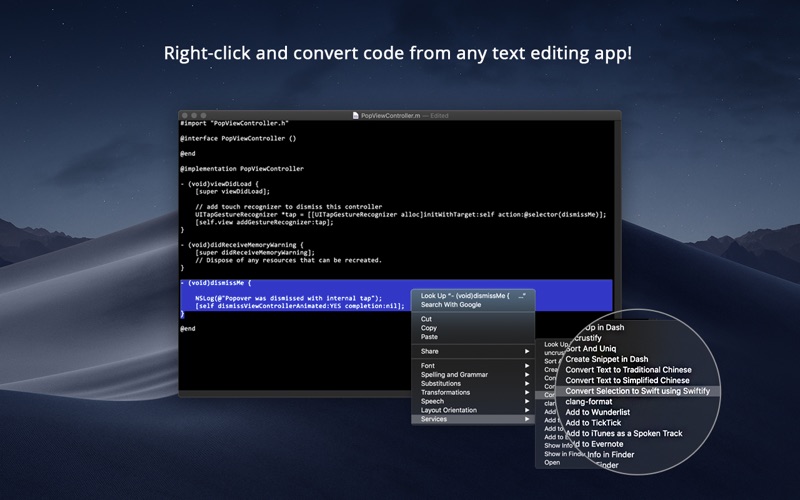
Developed by Swiftify, Inc., this tool is designed specifically for macOS developers who need to transition legacy projects to modern Swift syntax. It functions as a native extension, meaning you do not have to leave your IDE to translate your source files. Whether you are dealing with a single snippet or a massive legacy class, the software handles the translation smoothly.
The utility includes several integration points to fit different developer workflows:
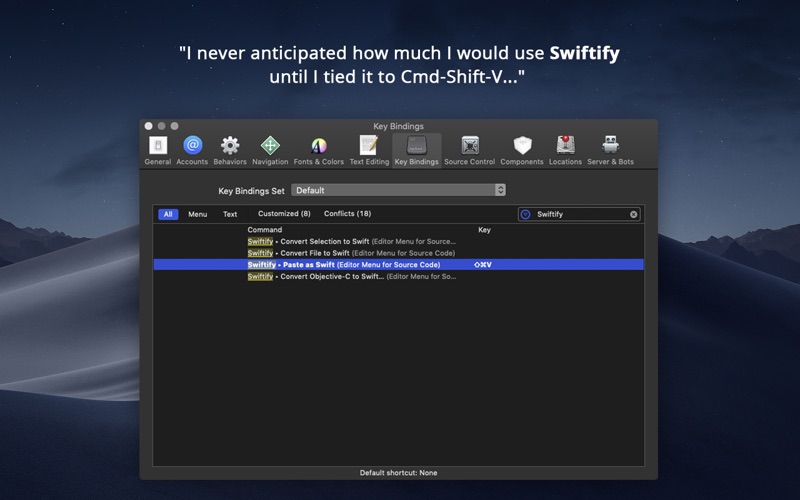
- Xcode Source Editor Extension: Convert selected text blocks or entire active files on the fly via the Editor menu.
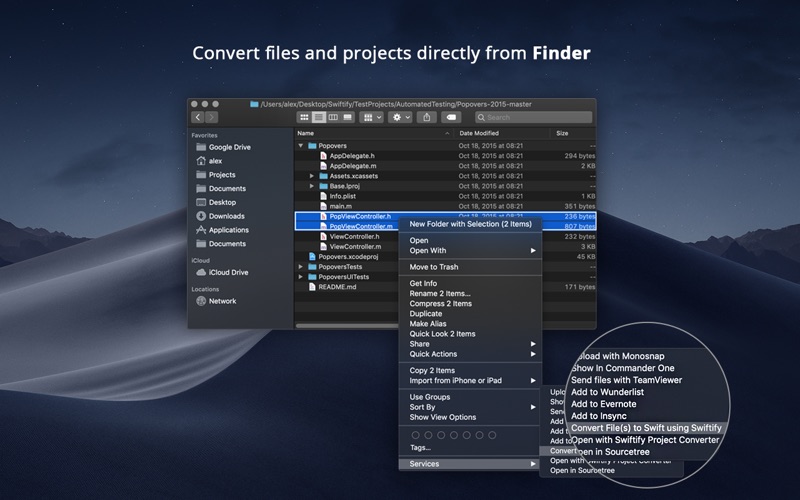
- Finder Extension: Quickly process files directly from your file manager.
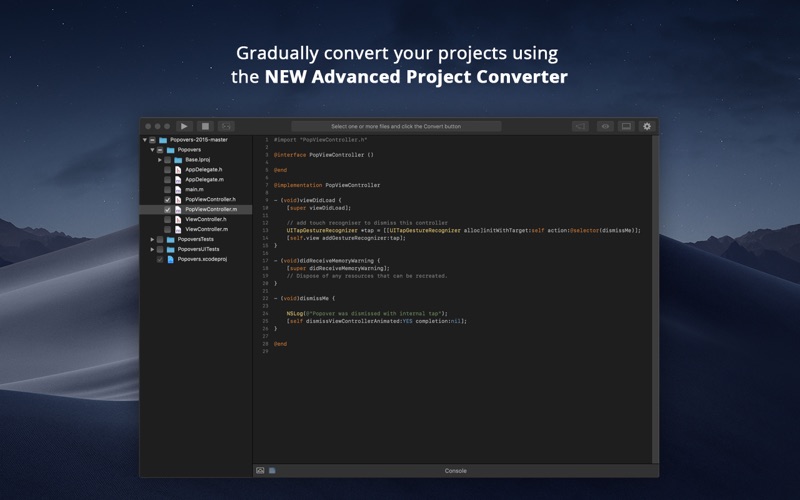
- Advanced Project Converter: A dedicated application designed for systematic, gradual migration of complex, multi-file projects.
Strict Privacy and Security Standards
When working on proprietary enterprise software, code security is paramount. The app addresses this by utilizing a highly secure transport layer. While the heavy lifting of the Objective-C to Swift code conversion is processed via an encrypted HTTPS connection, your source code is never cached or stored on external servers, ensuring your intellectual property remains entirely private.
Who is This Utility For?
This IT tool is an essential asset for iOS and macOS developers managing mixed-language codebases. If you are tasked with upgrading older applications to the latest Swift standards without halting your current feature roadmap, this extension automates the tedious manual translation work, letting you focus on optimization and architecture.
Getting Started
Setting up the utility is straightforward. After launching the app from your Applications folder, you simply retrieve your API key and enable the extension within your macOS System Settings under the Xcode Source Editor category. From there, a quick restart of your IDE unlocks the conversion menus.
Ready to modernize your development pipeline? You can check out Swiftify for Xcode and view its licensing options directly on the official Mac App Store.
Rate the App
User Reviews
Other Apps in This Category



Popular Apps










Editor's Choice