

Latest Version
ayamadori
Travel & Local
Windows
Free
9nblggh6jz60
Report a Problem
More About Open with Maps
The Mapping Workflow Solution
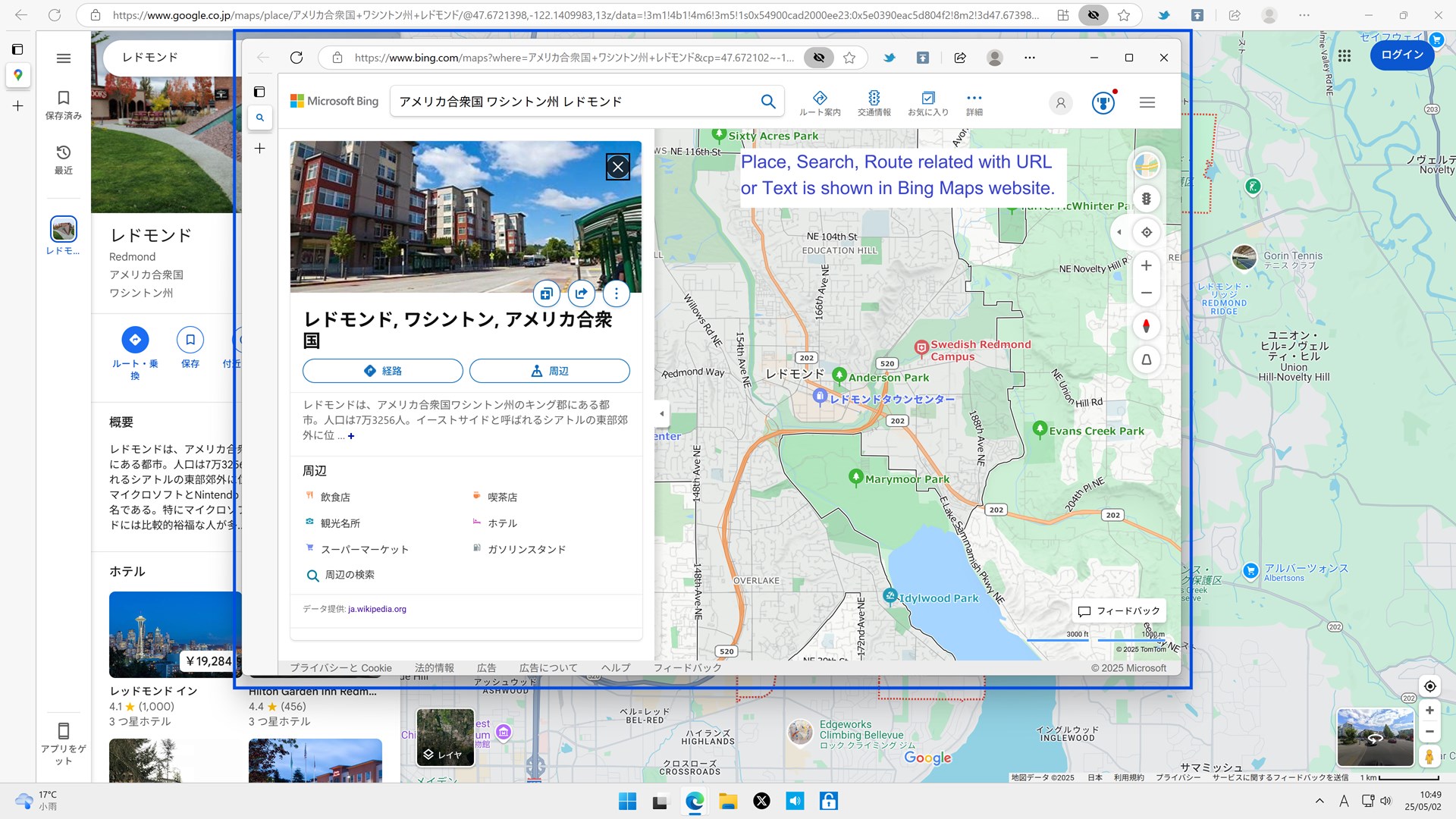
Imagine you are planning a detailed travel itinerary on your Windows device. You find the perfect location, search query, or route on Google Maps or Yahoo! Maps, but your preferred environment for navigation and planning is Bing Maps. Copying and pasting coordinates or titles manually between different services is a tedious chore that disrupts your productivity. This is exactly where the Open with Maps utility steps in to bridge the gap.
Developed by ayamadori, this lightweight Windows application serves as a dedicated, system-level helper designed to streamline how you interact with geographical data across different web mapping services.
Key Features of the Open with Maps Utility
The application focuses on doing one thing efficiently: transferring geographical context from third-party platforms directly into the Bing Maps ecosystem. Here is how it enhances your mapping workflow:
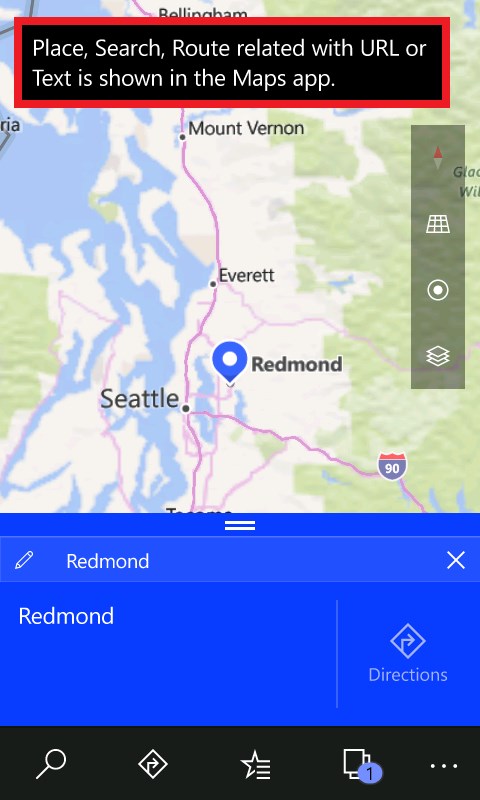
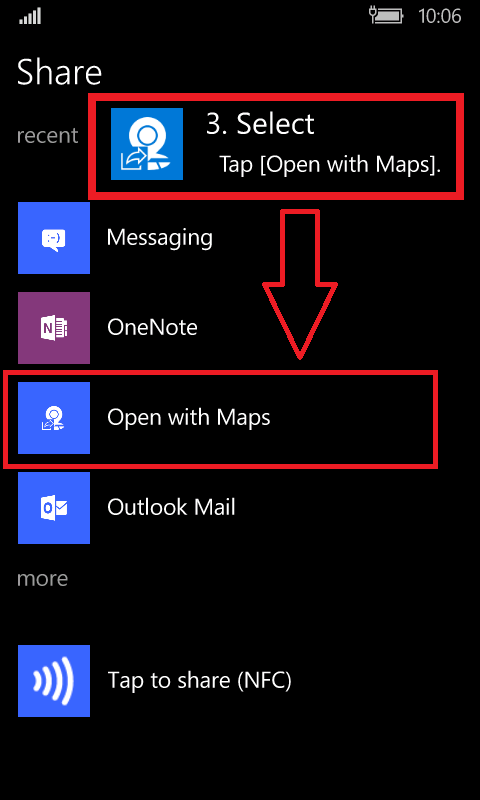
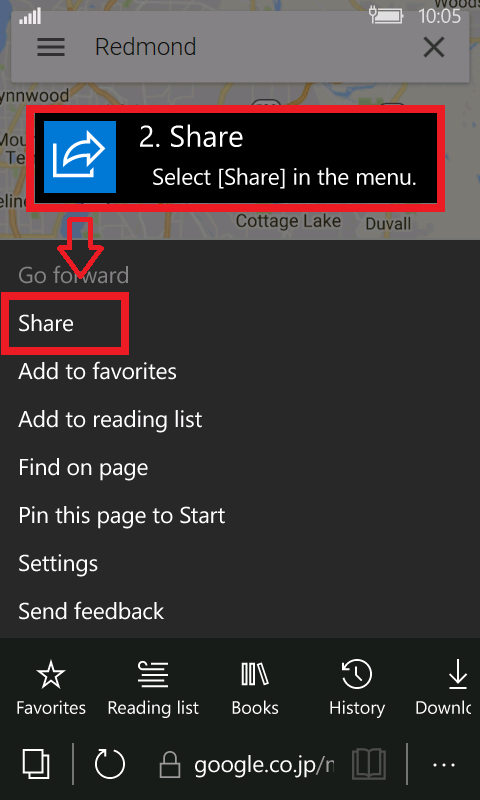
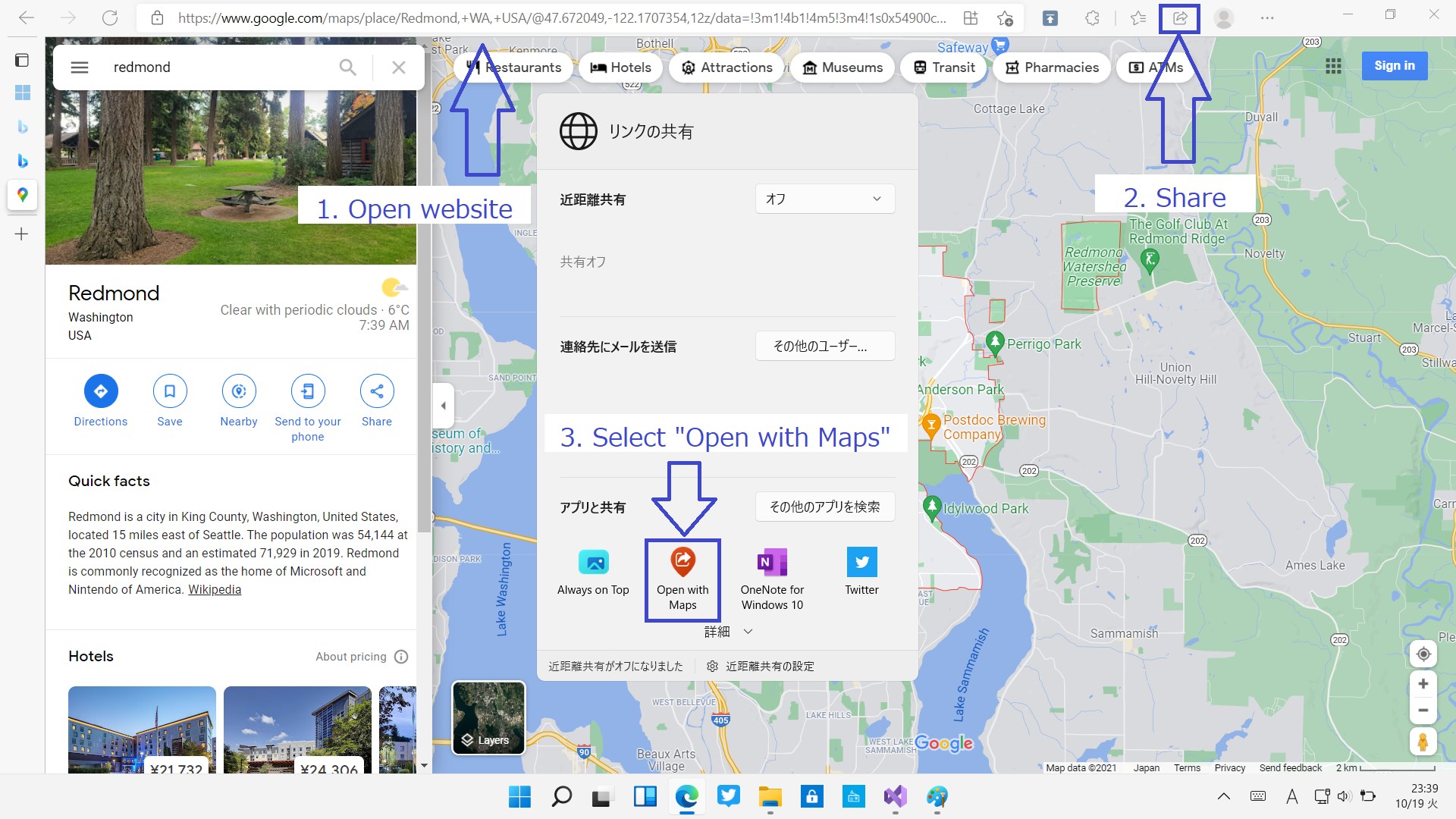
- Seamless Share Integration: Utilize the native Windows [Share] menu to instantly send locations, specific search queries, or complex routes from external platforms over to Bing Maps.
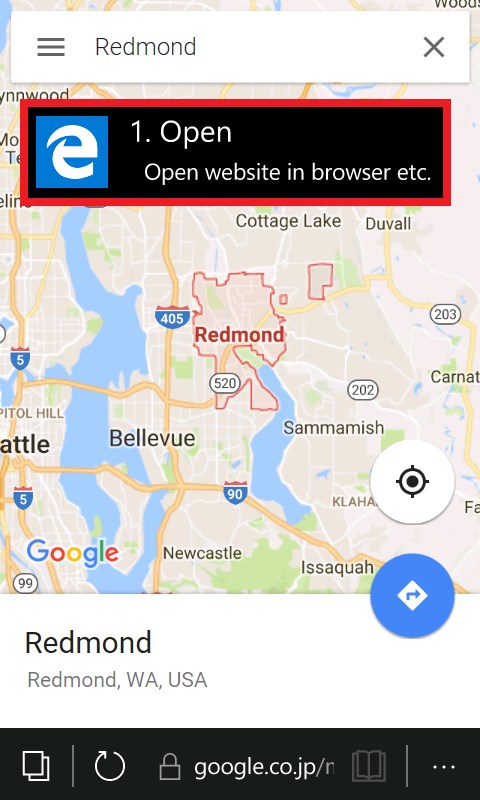
- Multi-Service Compatibility: The utility supports redirection from major mapping platforms, including Google Maps and Yahoo! Maps (Japan).
- Text and Title Search: Beyond structured URLs, you can share highlighted text or page titles directly to initiate a fresh search within the Bing Maps interface.
- Unobtrusive Footprint: Operating quietly as a background complement, it adds zero clutter to your system while remaining ready when you need it.
Who is This Helper App For?
The Open with Maps utility is an ideal tool for professionals, travel planners, and power users who rely heavily on Windows integration. If you prefer the native rendering, performance, or specific features of the Bing Maps website but frequently receive directions or links from Yahoo! Maps or Google Maps, this tool eliminates the friction of manual transcription.
Important Usage Notes
As a specialized helper tool, it is worth noting that web layouts on source mapping sites change frequently. Consequently, the developer points out that the utility may not always be able to parse and open the Bing Maps website successfully in every single scenario. However, for daily routing and standard location sharing, it offers a highly convenient shortcut.
Our Editorial Verdict
For Windows users seeking a more integrated desktop mapping experience, this free utility offers a simple, functional solution to a common multi-platform headache. If you find value in the software, the developer also provides an optional donation path within the app to support ongoing maintenance.
Ready to simplify your navigation workflow? To explore this utility further and add it to your system, head over to the official Microsoft Store page to get started.
Rate the App
User Reviews















Popular Apps










Editor's Choice